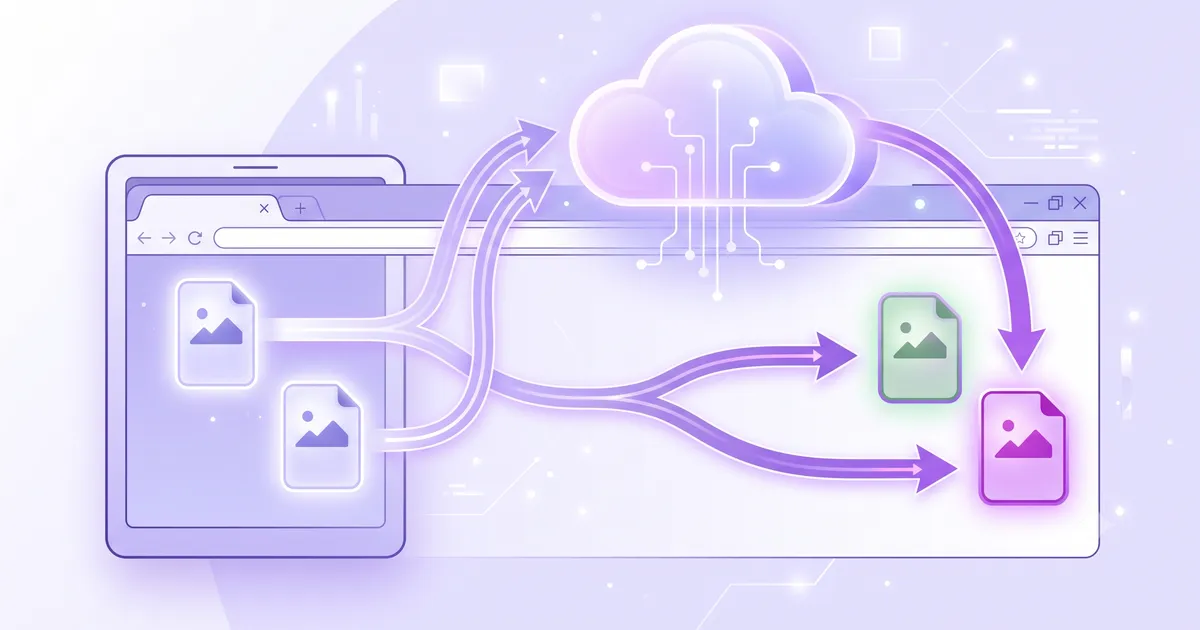
TL;DR: CloudConvert is a powerhouse that converts 212 formats across documents, video, audio, and images — with a mature API and integrations. But it’s server-based, limits free users to 10 conversions per day, and starts at $8/mo for paid plans. MediaShed handles image formats only, but does so in your browser with no upload, no limits, and no cost. For images specifically, MediaShed is faster and more private. For anything beyond images, CloudConvert is the only option.
Pricing and features verified as of July 2026.
Quick Comparison
| Feature | MediaShed | CloudConvert |
|---|---|---|
| Free to use | ✅ Unlimited | ⚠️ 10 conversions/day |
| Local processing | ✅ Browser (WebAssembly + libvips) | ❌ Server-side |
| Files stay on device | ✅ Always | ❌ Uploaded (deleted after processing) |
| No account needed | ✅ Yes | ⚠️ For API and higher limits |
| Image formats supported | 9 (PNG, JPG, WebP, AVIF, TIFF, GIF, BMP, HEIF, SVG) | 42 image formats |
| Non-image formats | ❌ Images only | ✅ 212 formats (docs, video, audio, etc.) |
| API available | ❌ No | ✅ Full REST API |
| Quality slider | ✅ Yes | ✅ Yes |
| Resize during conversion | ✅ With aspect lock | ✅ Yes |
| Animated format support | ✅ GIF to WebP | ⚠️ Format-dependent |
| Offline capable | ✅ After first load | ❌ Requires internet |
| Side-by-side preview | ✅ Yes | ❌ No |
How They Work
MediaShed
MediaShed converts between image formats in your browser using libvips compiled to WebAssembly. You drop an image in, pick the output format, adjust quality if needed, and download. A side-by-side preview shows the result before you commit.
The engine is the same library that powers Sharp (Node.js) and Cloudinary’s server-side processing — just compiled to run locally. This means proper color space handling, correct chroma subsampling, and ICC profile management. Not the Canvas API approximation that most browser converters use.
CloudConvert
CloudConvert uploads files to their servers and converts them using format-specific engines. Their breadth is unmatched: 212 formats across 11 categories. For image conversion specifically, they support 42 formats including niche types like DDS, ICO, PCX, and TGA.
Their API lets you build conversion jobs that chain import, convert, and export tasks. It’s designed for production workloads.
Pricing
| Plan | MediaShed | CloudConvert |
|---|---|---|
| Free | Unlimited | 10 conversions/day |
| Pay-as-you-go | — | $8 per 500 minutes ($0.016/min) |
| Subscription | — | From $8/mo for 1,000 minutes ($0.008/min) |
CloudConvert charges by conversion minutes. Most image conversions take under a minute, so one credit covers one conversion. Complex or large files may consume more.
MediaShed has no usage limits because conversion runs on your hardware.
Format Coverage
MediaShed supports:
Input: PNG, JPG, WebP, AVIF, TIFF, GIF, BMP, HEIF, SVG Output: PNG, JPG, WebP, AVIF
This covers the formats that matter for web and mobile workflows. HEIF/HEIC input is particularly useful — iPhones shoot in HEIF by default, and many tools can’t open them.
CloudConvert supports:
42 image formats, plus documents, spreadsheets, video, audio, ebooks, CAD files, and more.
If you need to convert a PSD to PNG, a DOCX to PDF, or an MKV to MP4, CloudConvert handles it. MediaShed is image-only.
Privacy
MediaShed: Files never leave your browser. No server, no upload, no retention.
CloudConvert: Files are uploaded, processed, and deleted after completion. They don’t specify exact retention duration, but note that files are “removed after processing.” For sensitive images, this may not satisfy compliance requirements.
Quality
For the image formats both tools support, quality is comparable. Both use proper compression libraries rather than naive re-encoding.
CloudConvert advantages:
- More output format options (42 vs 4)
- Handles exotic formats (DDS, TGA, PCX, ICO)
- Chained operations in API (convert + resize + watermark)
MediaShed advantages:
- Real-time preview before downloading
- libvips engine (same as professional tools)
- No quality degradation from upload/download compression
- Animated GIF to WebP conversion with frame preservation
Best For
Choose MediaShed if you:
- Convert between common web image formats (PNG, JPG, WebP, AVIF)
- Need HEIF/HEIC conversion (iPhone photos)
- Want instant conversion with preview
- Handle sensitive images that can’t be uploaded
- Prefer no account, no limits, no cost
Choose CloudConvert if you:
- Need non-image format conversion (documents, video, audio)
- Require API access for automated workflows
- Work with niche image formats (DDS, TGA, PCX)
- Need chained conversion operations
- Process files server-side in production
Verdict
These tools serve different scopes. CloudConvert is a universal file converter — it handles everything from video to CAD files. MediaShed is an image-specific converter that runs locally with no limits.
For image work, MediaShed is faster (no upload/download), more private (nothing leaves your device), and free without restrictions. For anything beyond images, or if you need an API, CloudConvert is the tool.
Try MediaShed Image Format Converter — convert PNG, JPG, WebP, AVIF, HEIF and more in your browser. Or read how to convert image formats.