Convert image to any format, free.
Loading image engine...
100% LocalNo Uploads
How to convert an image format in 3 steps
- Drop your image. Drag it on the page or click to browse. PNG, JPG, WebP, AVIF, TIFF, GIF, BMP, HEIC, and SVG all work as input.
- Pick your output format. Choose JPG, PNG, WebP, or AVIF. For lossy formats you can drag the quality slider to balance size against detail. Open Advanced to resize.
- Download the converted file. See the original and converted image side by side with the file size difference. Hover the result to download.
See it in action


PNG · 2.9 MBWebP · 16 KB
Drag the slider to compare.
Does this image converter upload my files?
No. The image engine downloads once and runs locally on your device. There is no upload, no server queue, and nobody else sees your files. Convert sensitive documents, private photos, or client work without worrying about where it ends up. Works offline after the first load.
Does it handle animated GIFs?
Yes. If you drop an animated GIF and convert to WebP, the tool preserves all frames, timing, and loop settings. The output is an animated WebP that is usually 30-50% smaller than the original GIF. Converting to PNG, JPG, or AVIF extracts just the first frame since those formats do not support animation.
Quick conversions
FAQ
Is this image converter free?
Yes. No watermark, no file limit, no sign-up. Convert as many images as you want between any supported format.
Can I convert image to JPG without losing quality?
JPG is lossy by nature, but at high quality settings (90+) the difference is invisible. For truly lossless conversion, use PNG or lossless WebP as the output format.
Does it convert HEIC photos from iPhone?
Yes. Drop any HEIC or HEIF file and convert it to JPG, PNG, WebP, or AVIF. Works with photos taken on iPhone, iPad, or any device that saves in HEIC format.
Does it preserve transparency?
PNG, WebP, and AVIF keep the alpha channel. JPG does not support transparency so you pick a background color to replace it.
Why is the first conversion slow?
The image engine is about 8 MB. It downloads once on first use and gets cached in your browser after that. Every conversion after that starts instantly.
What input formats are supported?
PNG, JPG, WebP, AVIF, TIFF, GIF, BMP, HEIC/HEIF, and SVG all work as input. Output formats are PNG, JPG, WebP, and AVIF.
How is this different from other online converters?
Most image converters upload your file to a server and impose daily limits. This one uses a real image processing engine running in your browser. No upload, no limit, and your files stay private.
Can I convert multiple images at once?
Yes. Drop or select multiple files and they all get queued. Pick your output format and settings, then convert them all. Each result is available for individual download.
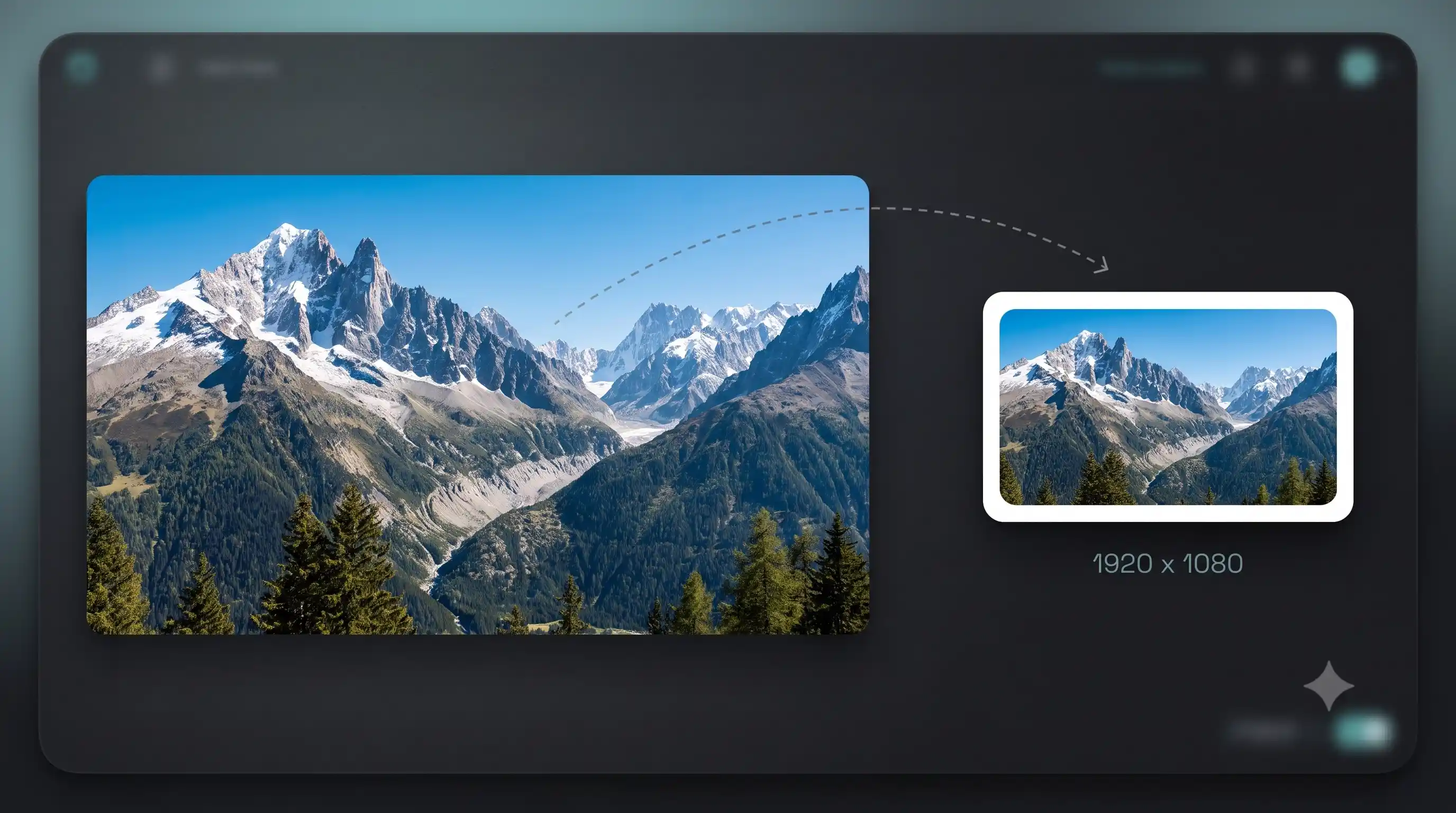
Can I resize while converting?
Yes. Open the Advanced section to set a custom width and height. Aspect ratio locks by default so the image does not stretch.