Make any signature transparent.
or drag and drop your signature scans
How it works
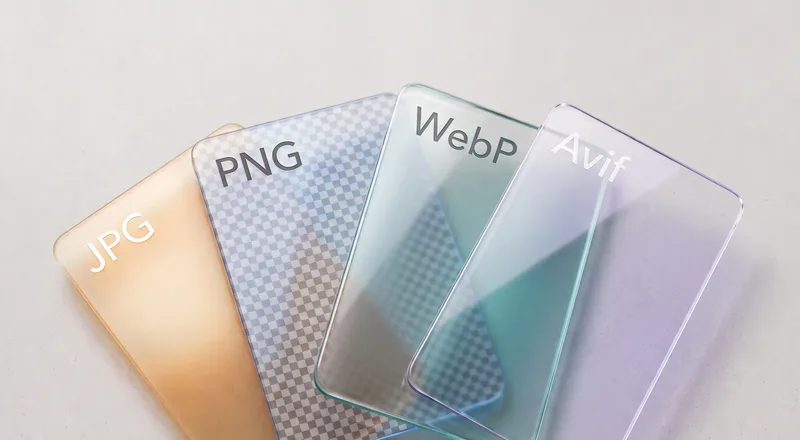
This tool uses threshold-based image processing to separate ink strokes from paper. Pixels brighter than the threshold become transparent, while darker pixels (your signature) stay intact. The result is a clean PNG with an alpha channel you can layer over any background.
Unlike AI background removers that need large neural network models, this approach is lightweight and fast. The processing engine is about 200 KB and runs via WebAssembly in your browser.
Tips for best results
Use a scan or a well-lit photo with even lighting. Shadows across the page can leave dark patches that the tool treats as ink. If your paper looks gray in the photo, increase the color tolerance setting until the background clears up.
For signatures with very thin strokes, lower the threshold to avoid clipping the lighter parts of the ink. The edge smoothing slider can help blend jagged pixel edges on low-resolution scans.