Reduce image size online, free.
Loading image engine...
100% LocalNo Uploads
How to reduce image file size in 3 steps
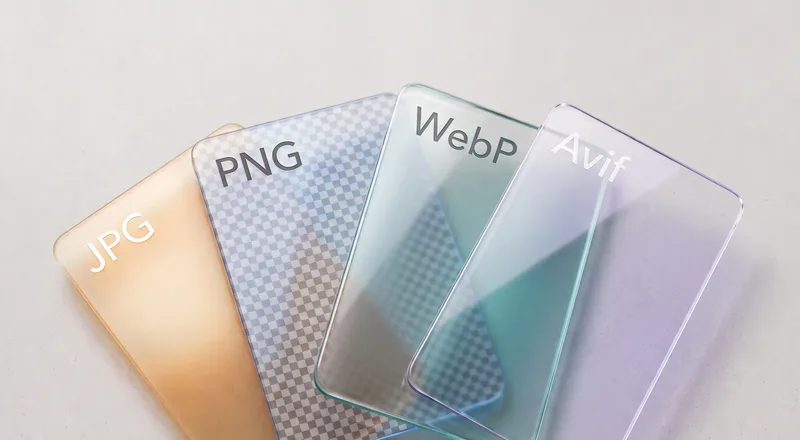
- Drop your image. Drag it on the page or click to browse. JPG, PNG, WebP, AVIF, and animated GIF all work.
- Pick a target size. Choose a preset like For Web (200 KB), For Email (1 MB), or For WhatsApp (100 KB). The photo size reducer finds the best quality that fits.
- Download the result. See the original and compressed side by side with the exact size reduction in KB. Hover the result to download.
See it in action
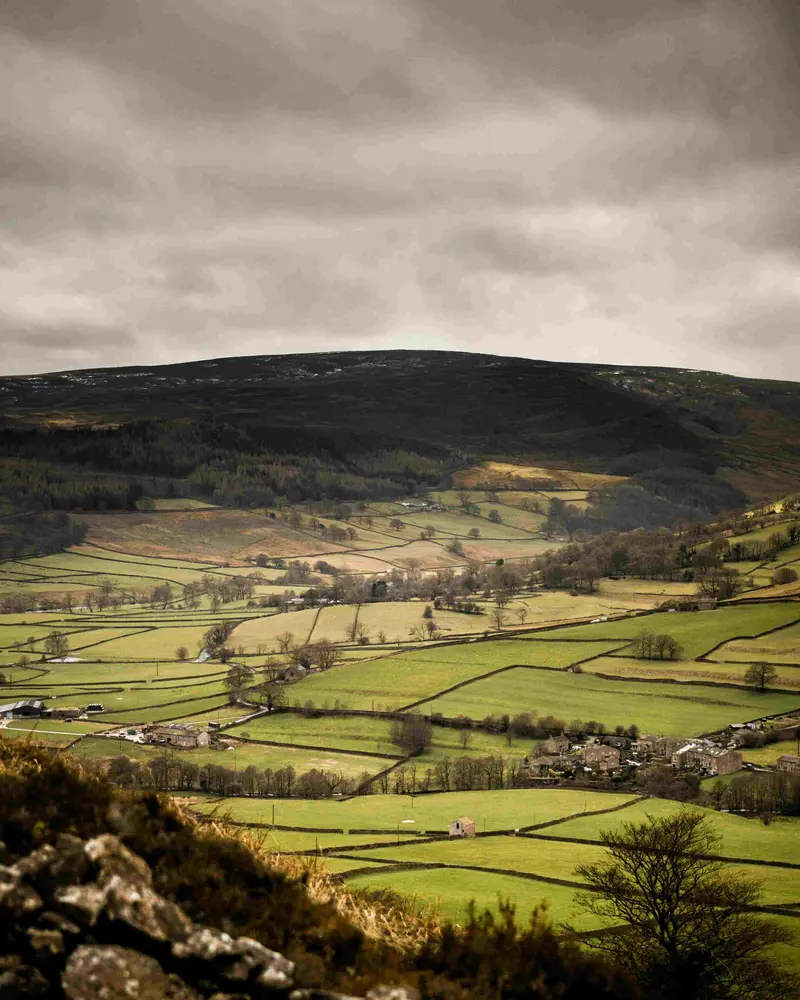
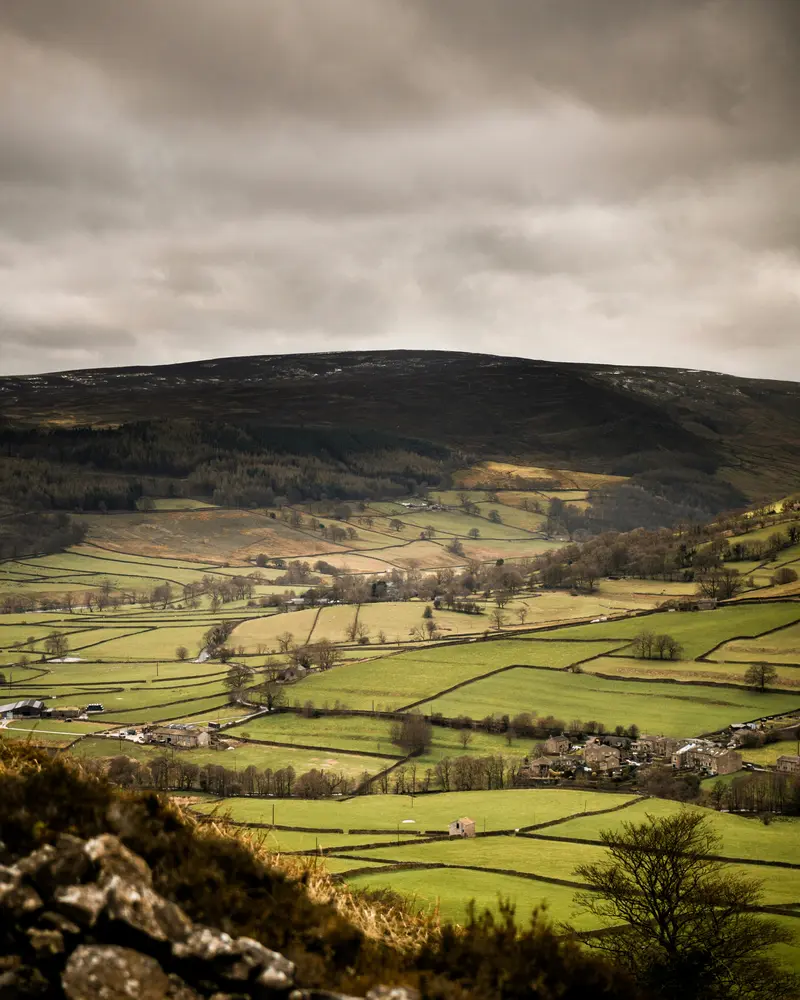
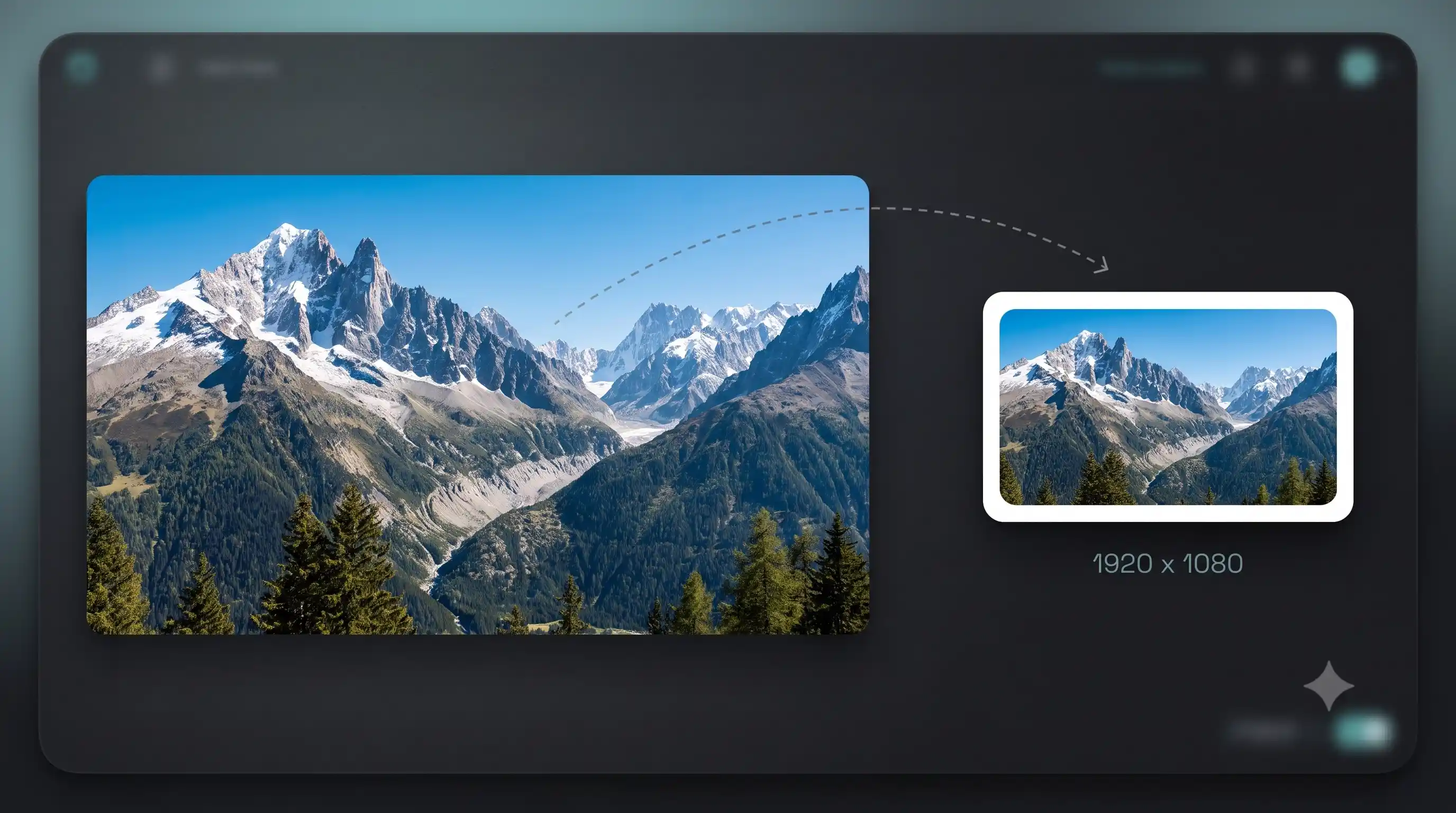
Original · 3.4 MBCompressed · 472 KB
Drag the slider to compare.
Can I compress an image to a specific file size?
Need your image under 200 KB for a web page? Under 100 KB for WhatsApp? Under 50 KB for a form upload? Pick a preset and the image size reducer will automatically find the highest quality that fits your target. It uses interpolation search so it converges in 3-4 tries instead of testing every quality level. If the target is impossible without destroying the image, it tells you and suggests a more efficient format like WebP or AVIF.
Does this compress images without losing quality?
The compressor uses SSIM (structural similarity) to measure visual quality during compression. It finds the exact point where the file is as small as possible but the difference from the original is invisible. At default settings, compressed photos look identical to the human eye. You can also compare before and after side by side before downloading.
Does this tool upload my images to a server?
No. The compression engine downloads once and runs entirely in your browser. No server ever sees your images. There is no upload queue, no processing delay, and no one storing your files. Compress sensitive documents, private photos, or client work without worrying about where it ends up. Works offline after the first load.
What does the aggression slider do?
Aggression controls how much quality loss is acceptable to reach your target size. At low values the compressor protects visual quality and might not hit the target. At higher values it pushes harder, which can introduce visible artifacts but gets the file smaller. The default of 5% works well for most photos. Crank it up only if you need a very small file and can live with some softness.
FAQ
Is this image size reducer free?
Yes. No watermark, no file limit, no sign-up. Compress as many photos as you want.
Can I compress an image to a specific KB size?
Yes. The presets target specific sizes: For Web aims for under 200 KB, For Email under 1 MB, For WhatsApp under 100 KB. You can also set a custom target. The tool adjusts quality automatically to hit the size you need.
Why can't it reach my target size?
Some images cannot shrink that far without looking terrible. If this happens the tool will suggest switching to a smaller format like WebP or AVIF, which compress further at the same quality.
Does it reduce file size without losing quality?
The compressor uses SSIM-based quality probing. It finds the lowest file size where the visual difference is invisible to the human eye. At default settings most people cannot tell the original from the compressed version.
Does it strip metadata?
Yes, by default. EXIF data, GPS coordinates, camera info, and ICC profiles are removed. This alone can reduce photo size significantly. You can turn this off if you need to keep metadata.
Does it work with PNG?
Yes. PNG is lossless so there is no quality slider, but the tool applies maximum compression and strips metadata. For significant file size reduction from a PNG, switch the output format to WebP.
How is this different from TinyPNG?
TinyPNG uploads your image to their servers and limits free use to 20 images per upload. This tool compresses locally in your browser using libvips. Your files never leave your device and there is no limit.
Can I compress multiple images at once?
Yes. This is a bulk photo compressor. Drop or select multiple files and they all get queued. Pick your settings and hit Compress All. Each image is processed one at a time and you can download results individually or all at once.