Compress image to 50 KB.
Loading image engine...
100% LocalNo Uploads
When you need an image under 50 KB
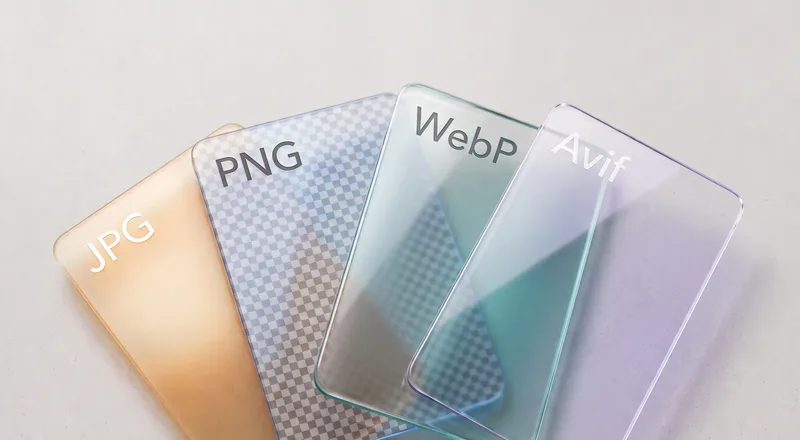
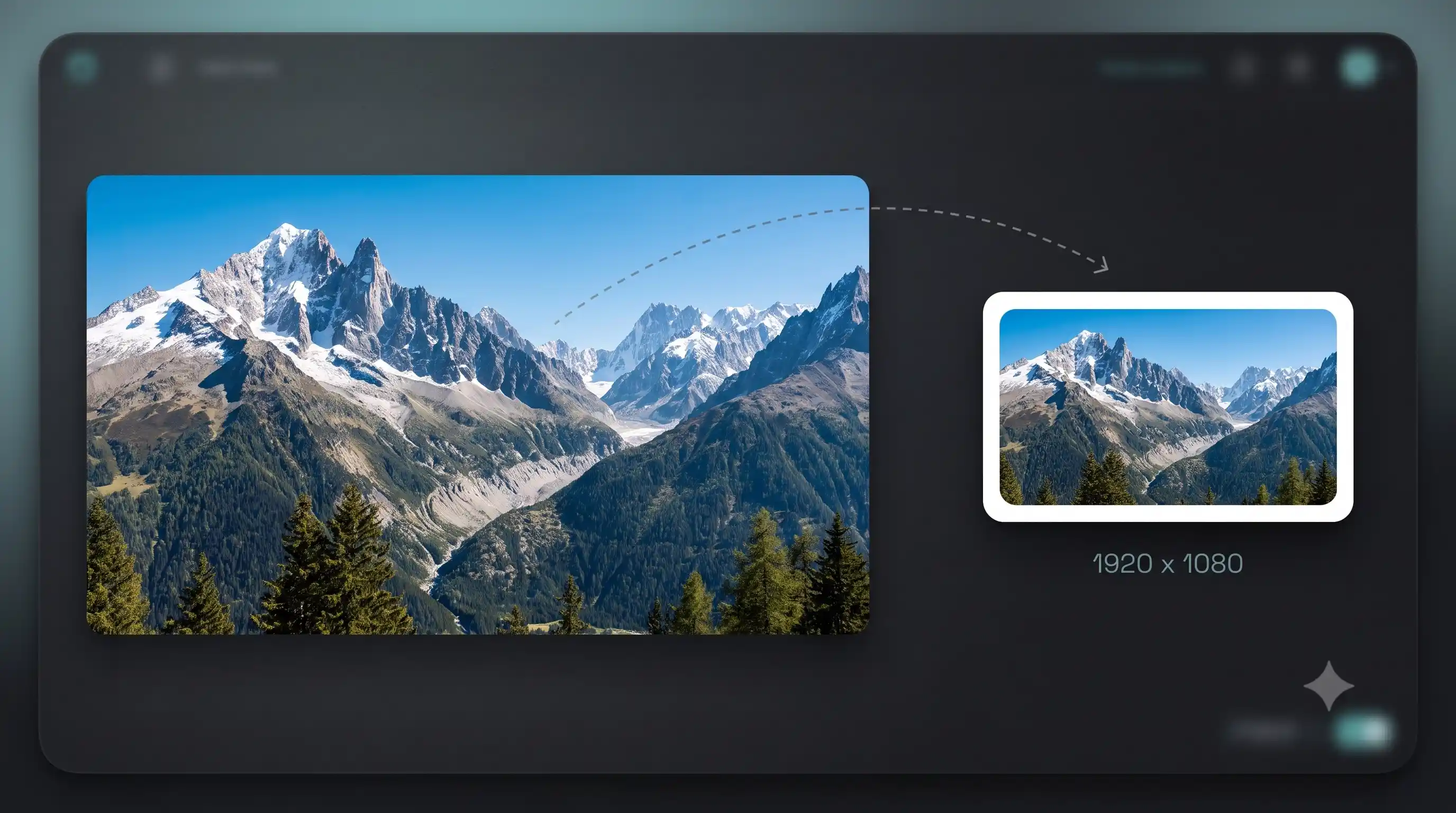
Many online application forms, university portals, and government websites set a 50 KB file size limit for photo uploads. This compressor targets exactly 50 KB while keeping the image as sharp as possible. It works with JPG, PNG, WebP, and AVIF.
Tips for best results
If your image is a scanned document or certificate, convert it to JPG first since JPG compresses text and flat colors efficiently at small sizes. For photos of people, the compressor will automatically find the right quality level. If the result still exceeds 50 KB, increase the aggression slider slightly.
Need more control?
The full compressor has custom targets, aggression control, format switching, and before/after comparison.
FAQ
Is compressing to 50 KB free?
Yes. No watermark, no file limit, no sign-up. Compress as many images as you want.
Will my image look blurry at 50 KB?
The compressor uses SSIM-based quality probing to find the highest quality that fits within 50 KB. For most photos the difference from the original is invisible. If the result looks too soft, try a slightly higher target or switch to WebP format which compresses more efficiently.
What formats can I compress?
JPG, PNG, WebP, AVIF, and animated GIF. The tool automatically picks the best compression strategy for each format.
Does this upload my image to a server?
No. The compression engine runs entirely in your browser. Your image never leaves your device.
Can I compress multiple images at once?
Yes. Drop multiple files and they all get compressed to the target size. Download each result individually or all at once as a zip.