Compress image to 2048 KB.
Loading image engine...
100% LocalNo Uploads
When you need an image under 2048 KB
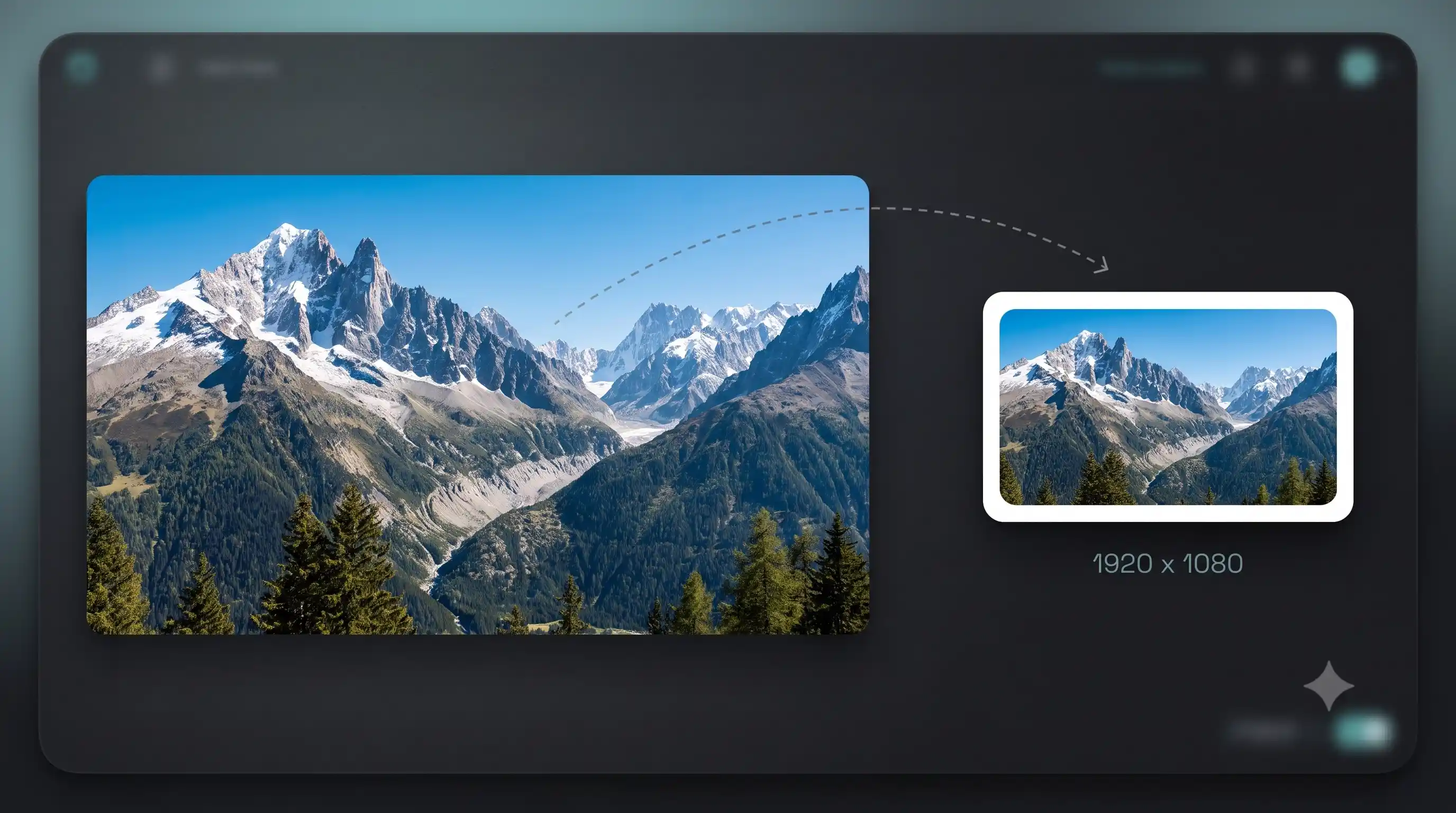
Some platforms and CMS systems limit uploads to 2 MB. WhatsApp document sharing caps at 2 MB for images sent as documents. If you have large DSLR or screenshot files at 5-15 MB, compressing to 2 MB keeps the quality high while fitting within these limits.
Tips for best results
This is a very light compression target. Most photos above 2 MB are either very high resolution (30+ megapixels) or saved at maximum quality. The compressor will barely reduce quality at this target. If you need the file under 2 MB strictly, enable metadata stripping which can save 100-500 KB on DSLR photos with embedded GPS and camera data.
Need more control?
The full compressor has custom targets, aggression control, format switching, and before/after comparison.
FAQ
Is compressing to 2048 KB free?
Yes. No watermark, no file limit, no sign-up. Compress as many images as you want.
Will my image look blurry at 2048 KB?
The compressor uses SSIM-based quality probing to find the highest quality that fits within 2048 KB. For most photos the difference from the original is invisible. If the result looks too soft, try a slightly higher target or switch to WebP format which compresses more efficiently.
What formats can I compress?
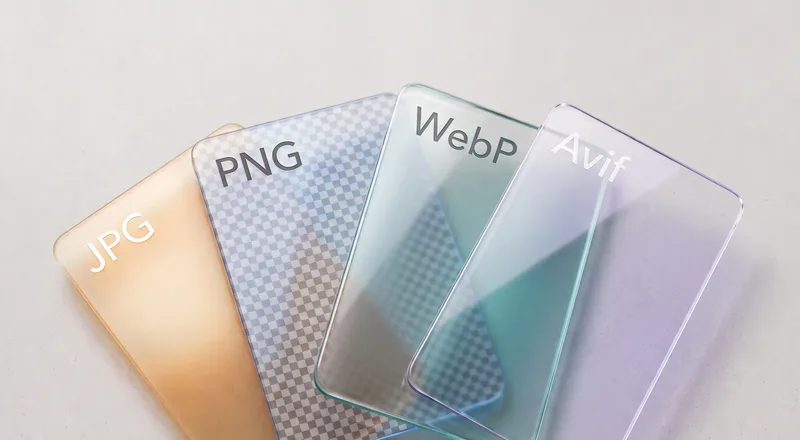
JPG, PNG, WebP, AVIF, and animated GIF. The tool automatically picks the best compression strategy for each format.
Does this upload my image to a server?
No. The compression engine runs entirely in your browser. Your image never leaves your device.
Can I compress multiple images at once?
Yes. Drop multiple files and they all get compressed to the target size. Download each result individually or all at once as a zip.