Skip to content

Remove background from any logo.

or drag and drop your logo files

100% LocalNo Uploads

How to remove background from a logo

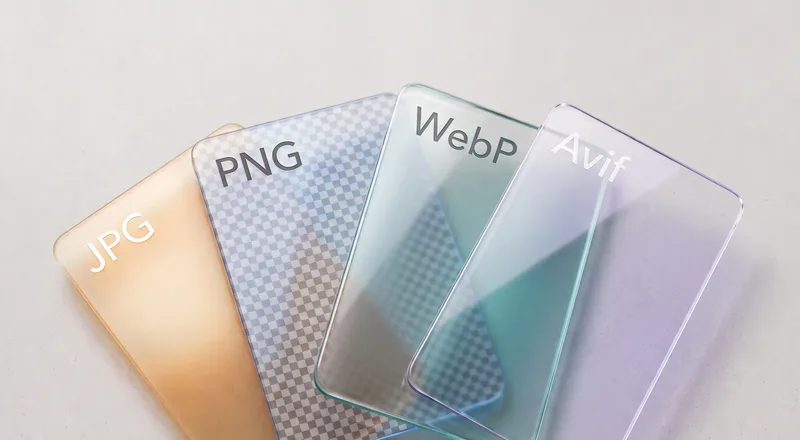
  1. Drop your logo file. PNG, JPG, WebP, or any common format. Works with screenshots, scans, and exported files.
  2. Check the detected settings. The tool auto-detects the background color and tolerance from your image. Adjust if needed.
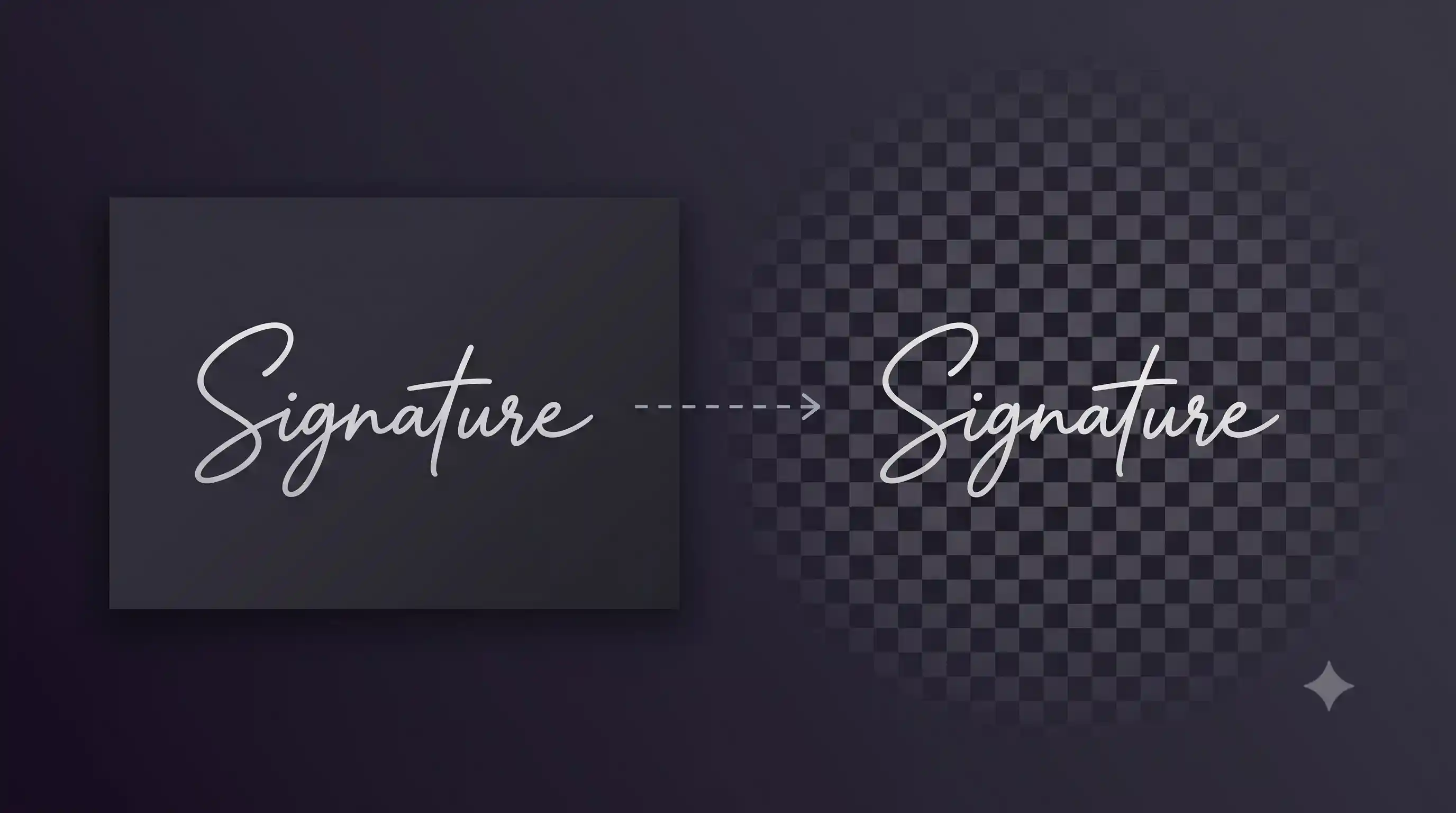
  3. Download the transparent PNG. Your logo on a transparent background, ready for any design tool or website.

How it works

The tool samples the pixels along the edges of your image to figure out the background color. Then it flood-fills inward from all four borders, removing any connected pixel that matches within the color tolerance. Interior colors are never touched, even if they happen to match the background, because the fill only spreads through connected regions.

This approach is fast and lightweight. The processing engine is about 200 KB and runs via WebAssembly. No AI model to download, no waiting.

When to use this vs the AI remover

Use this tool when your logo sits on a solid or near-solid background (white, a single color, or a gentle gradient). It will be faster and the edges will be sharp.

Use the AI Background Remover when the background is a photo, a complex texture, or when the logo has drop shadows that blend into the background. The AI model understands shapes and can separate subjects that flood fill cannot.
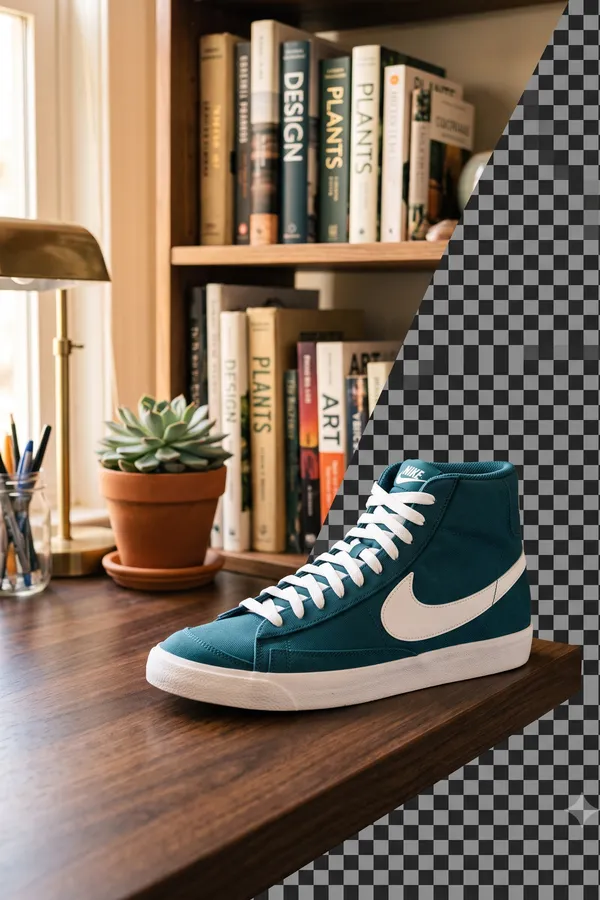
Background removal demo

Need to remove complex backgrounds?

The AI background remover handles photos, textures, gradients, and drop shadows.

FAQ

Does it work on logos with white backgrounds?
Yes. The tool auto-detects the background color from the edges of your image and flood-fills to remove it. White is the most common case and works instantly.
What about colored or gradient backgrounds?
Solid colored backgrounds work great. For slight gradients, increase the color tolerance slider. For complex photographic backgrounds, use the AI Background Remover instead.
Will it keep the transparent areas inside the logo?
Yes. The flood fill only removes pixels connected to the image edges. Interior holes, cutouts, and gaps inside the logo are preserved.
What format is the output?
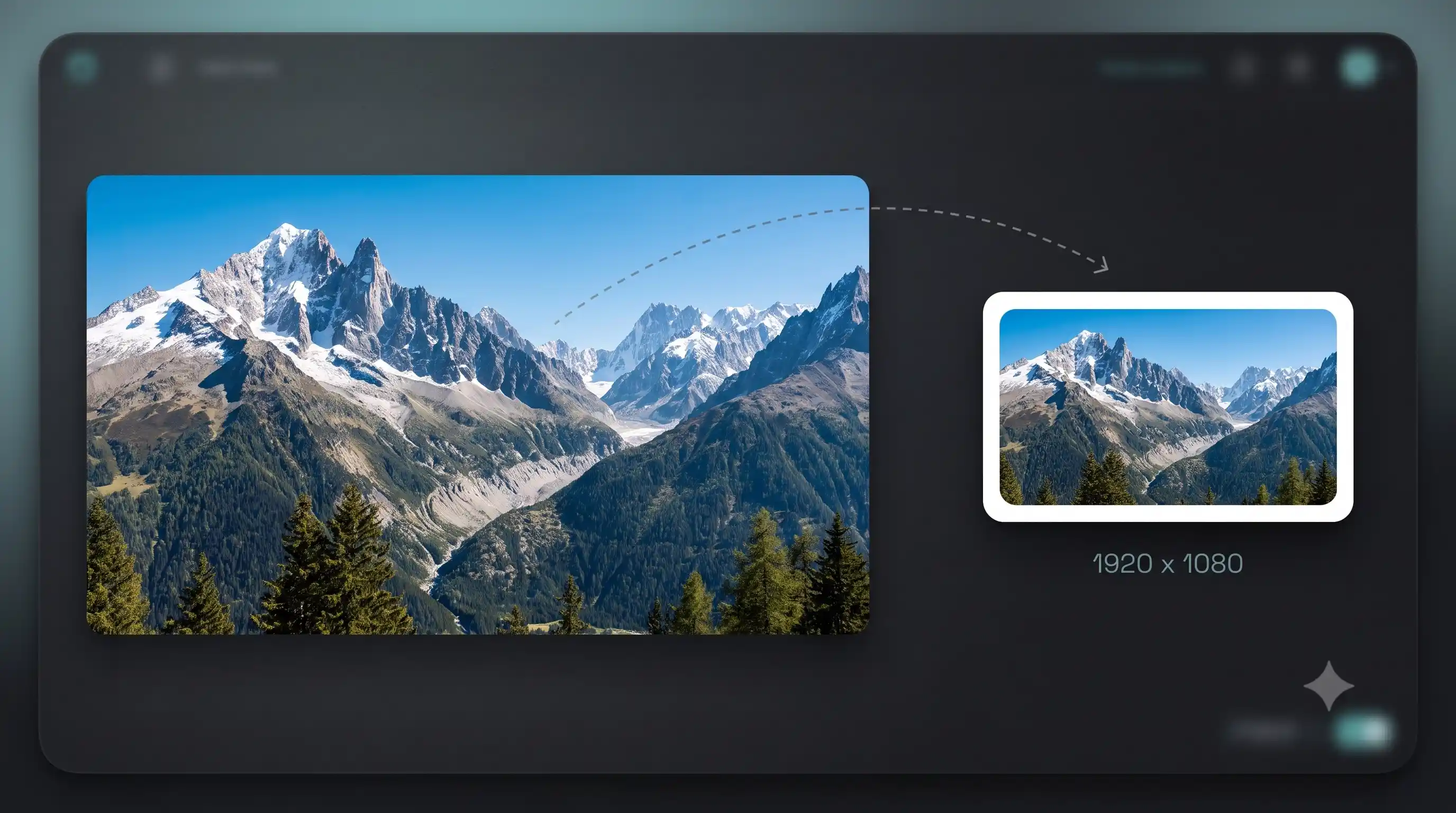
Transparent PNG. Works everywhere: websites, presentations, print design, video editors. The resolution matches your input exactly.
Is this free?
Yes. No watermark, no limit, no sign-up. Process as many logos as you need.
How is this different from the AI background remover?
This tool uses flood fill, not AI. It is much faster and lighter (200 KB vs 170+ MB) but only works well on solid or near-solid backgrounds. For textured or photographic backgrounds, use the AI tool.
Does it handle logos with text?
Yes. Text in logos is treated as part of the subject. The flood fill only removes background pixels connected to the image border, so all interior content stays intact.
Can I remove backgrounds from multiple logos at once?
Yes. Drop several logo files and they get queued. Each is processed individually and you can download results one by one or all at once.
Does this upload my logo?
No. Everything runs in your browser using WebAssembly. Your logo files never leave your device. Safe for client work and unreleased branding.
What does color tolerance do?
It controls how much the background color can vary from pixel to pixel and still be treated as background. A low value only removes exact color matches. A higher value handles slight gradients, compression artifacts, and uneven lighting.