Convert HEIF to PNG
Loading image engine...
100% LocalNo Uploads
Why convert HEIF to PNG?
Need a lossless version of an iPhone HEIF photo? PNG preserves every detail and works everywhere.
How it works
- Drop your HEIF file onto the page or click to browse.
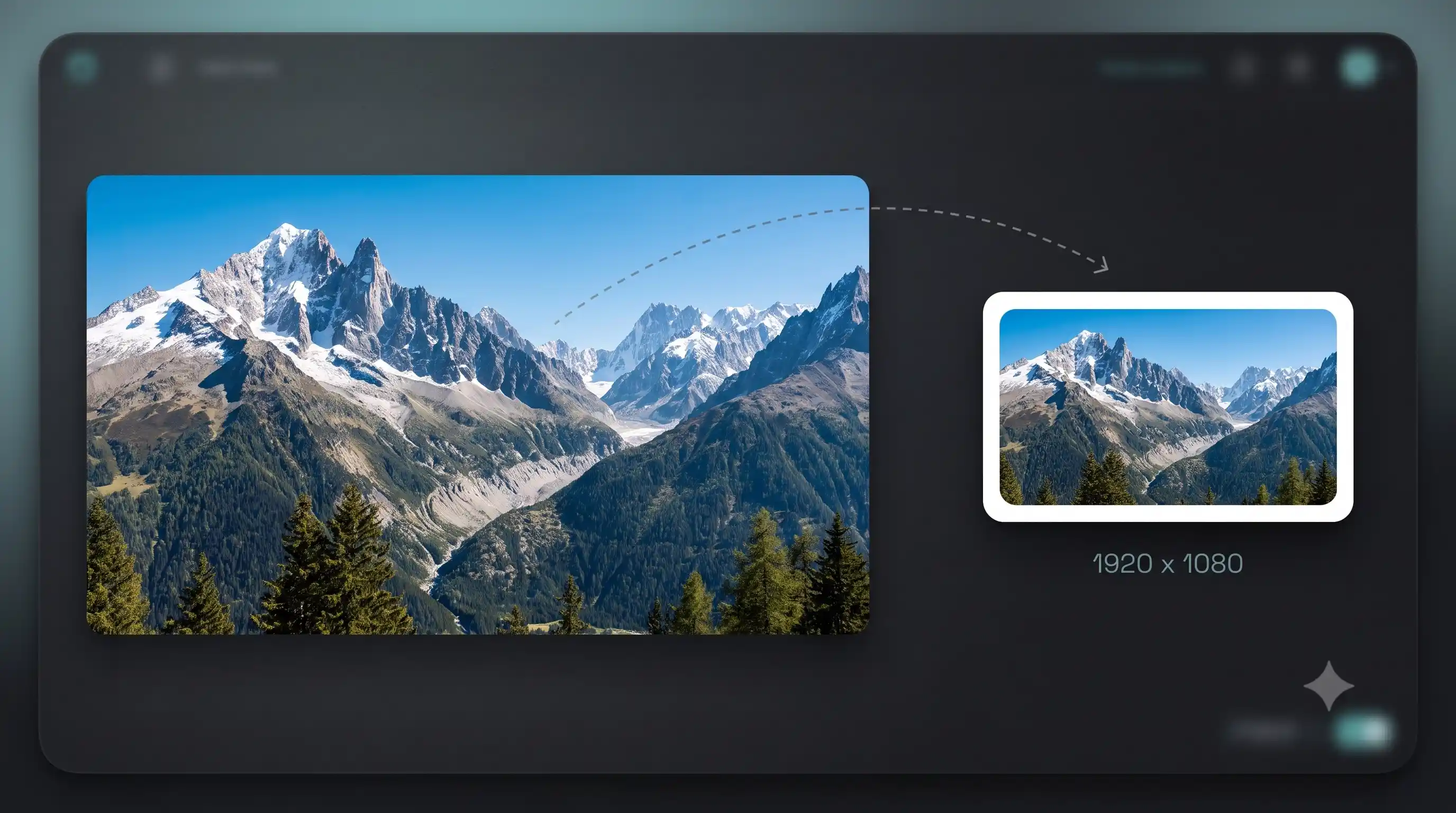
- PNG is already selected as the output format. Adjust quality or resize if needed.
- Download the result. Compare the original and converted file side by side.
Need a different format?
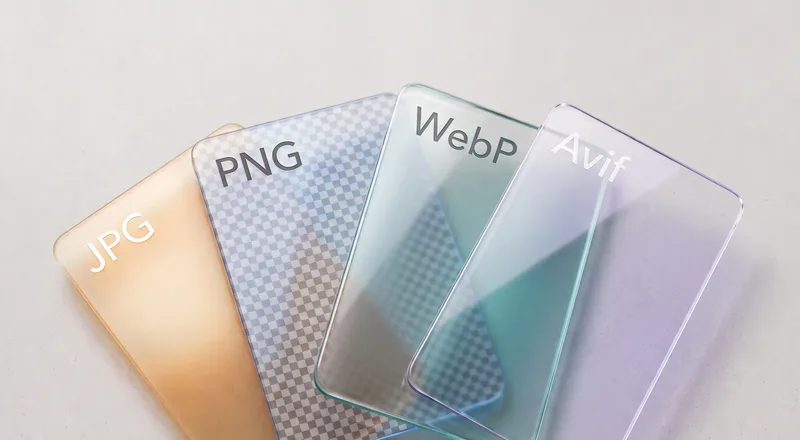
The full converter supports PNG, JPG, WebP, AVIF, HEIF, TIFF, GIF, BMP, and SVG.
FAQ
Is converting HEIF to PNG free?
Yes. No watermark, no file limit, no sign-up.
Does converting HEIF to PNG lose quality?
No. PNG is lossless — every pixel stays exactly the same.
Does this upload my file to a server?
No. The conversion engine runs entirely in your browser. Your image never leaves your device.
What is the file size limit?
There is no limit. Large images may take longer on older devices but there is no restriction.