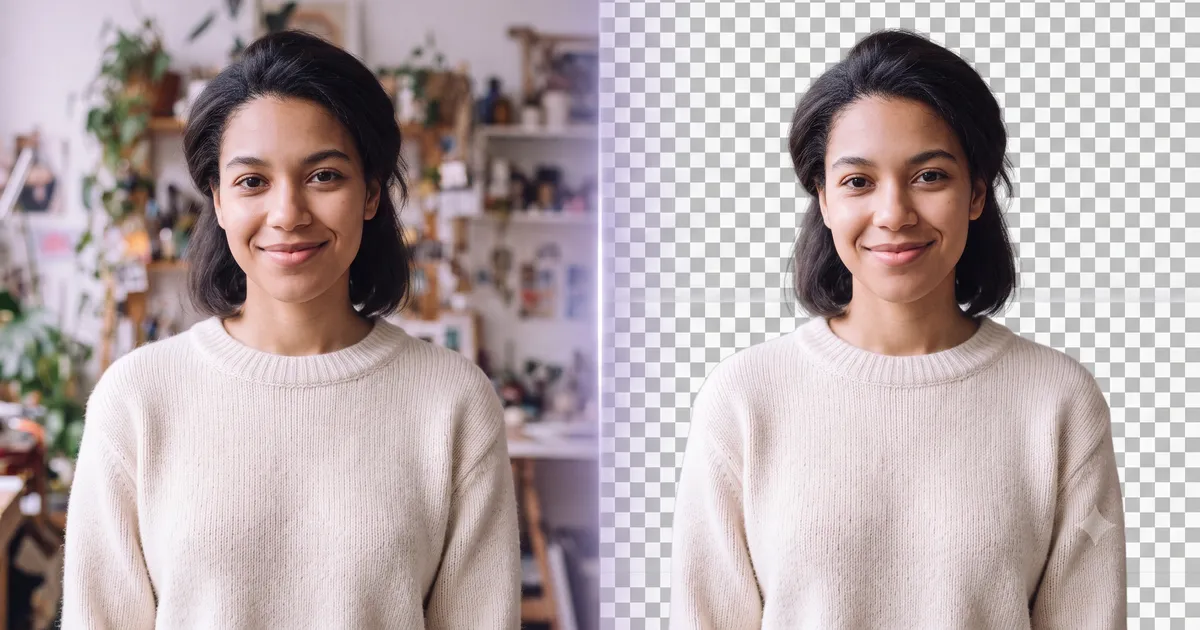
TL;DR: MediaShed is fully free with no watermarks, no credit limits, and processes images entirely in your browser. remove.bg produces excellent results but caps free usage at 50 low-res images per month, with HD output locked behind paid plans starting at $8.10/mo. If privacy or unlimited free use matters to you, MediaShed wins. If you need an API or high-volume server-side processing, remove.bg is better equipped.
Pricing and features verified as of July 2026.
Quick Comparison
| Feature | MediaShed | remove.bg |
|---|---|---|
| Free to use | ✅ Unlimited | ⚠️ 50 credits/mo |
| HD output | ✅ Full resolution | ❌ Paid only |
| No watermark | ✅ Always | ❌ Free tier watermarked |
| No account needed | ✅ Yes | ⚠️ Optional (needed for credits) |
| Local processing | ✅ Browser (WebAssembly) | ❌ Server-side |
| Images stay on device | ✅ Always | ❌ Uploaded to server |
| API available | ❌ No | ✅ Yes |
| Batch processing | ❌ One at a time | ✅ With paid plan |
| Animated image support | ✅ GIF and WebP | ❌ Static only |
| Offline capable | ✅ After first load | ❌ Requires internet |
| AI model choices | ✅ 3 models (Fast/Portrait/Best) | ❌ One auto model |
| Input formats | PNG, JPG, WebP, AVIF, BMP, GIF, TIFF | JPG, PNG |
| Output format | Transparent PNG, animated WebP | Transparent PNG |
How They Work
MediaShed
MediaShed runs a neural network directly in your browser using ONNX Runtime compiled to WebAssembly. You pick from three AI models:
- Fast (4.7 MB download) — handles high-contrast subjects in 2-5 seconds
- Portrait (44 MB) — tuned for people, handles hair and semi-transparent clothing
- Best (176 MB) — highest quality across all subject types, cleanest edges
Your images never leave your device. After the first model download, the tool works offline.
remove.bg
remove.bg uploads your image to their servers, processes it with their proprietary AI, and returns the result. The process is fast (about 5 seconds) and the quality is consistently high. Their model has been trained extensively and handles edge cases like hair and transparent objects well.
The trade-off is straightforward: your images pass through their servers, and free output is limited to low resolution (up to 0.25 megapixels). Full-resolution results require credits.
Pricing
| Plan | MediaShed | remove.bg |
|---|---|---|
| Free | Unlimited, full resolution, no watermark | 50 credits/mo, low-res only, watermarked |
| Lite | — | $8.10/mo (40 credits) |
| Pro | — | $35.10/mo (200 credits) |
| Volume+ | — | $80.10/mo (500+ credits) |
| API | Not available | From $0.20/image |
MediaShed has no paid tier because there are no server costs to recoup. Everything runs on your machine.
remove.bg’s pricing makes sense for their model: they run inference on GPU servers, which costs money per image. The API is well-documented and integrates with Photoshop, Figma, and other tools.
Privacy and Data Handling
This is the biggest difference between the two tools.
MediaShed processes images entirely in your browser. No image data is transmitted to any server, ever. There is no analytics on your images, no temporary storage, no retention policy to worry about. This matters if you work with client photos, medical images, legal documents, or anything covered by NDA.
remove.bg uploads images to their servers for processing. Their privacy policy states images are retained temporarily for processing and then deleted. For most casual use this is fine. For sensitive content, it may not meet your compliance requirements.
Quality Comparison
Both tools produce good results for typical use cases: product photos, portraits, and objects with clear edges.
Where remove.bg is stronger:
- Consistently high quality with a single model — no guessing which to pick
- Years of refinement on edge cases (glass, smoke, fine mesh)
- Handles very complex backgrounds slightly better on average
Where MediaShed is stronger:
- Three model choices let you trade speed for quality
- Portrait model is specifically tuned for human subjects
- Animated GIF and WebP support — remove.bg only handles static images
- Broader input format support (AVIF, TIFF, BMP, WebP)
Best For
Choose MediaShed if you:
- Need unlimited free background removal at full resolution
- Work with sensitive or private images
- Want offline capability
- Process animated GIFs or WebPs
- Prefer not to create an account
Choose remove.bg if you:
- Need API access for automated workflows
- Want Photoshop/Figma plugin integration
- Process high volumes and can budget for credits
- Need consistent one-click results without model selection
Verdict
For individual users and small teams who process images manually, MediaShed offers more: full resolution, no watermarks, no limits, and complete privacy. It costs nothing.
remove.bg is the better choice for developers and teams who need programmatic access. Their API, plugin ecosystem, and battle-tested model justify the cost if automation is what you need.
Both are solid tools. The decision comes down to whether you need an API or not.
Try MediaShed Background Remover — free, private, no signup required. Or read our guide on how to remove a background.