Apply effects to your photos.
Loading effects engine...
100% LocalNo Uploads
How it works
- Drop an image. Any photo from your camera roll, a screenshot, a meme. Drag it on the page or click to browse.
- Pick an effect. Choose from Unhinged, Glitch, Vibes, or Retro categories. Each one transforms your image differently.
- Adjust and download. Slide the intensity up or down. Download the result or share it straight to your apps on mobile.
What is deep frying an image?
Deep frying is when you crank saturation, contrast, sharpening, and noise all the way up until the image looks like it was saved and re-uploaded a thousand times. It started as a meme format and became its own aesthetic. The Deep Fry preset here does it in one click. The Nuke It preset goes even further.
What is a duotone effect?
Duotone maps your image to just two colors. Shadows become one color, highlights become another. Pick from preset combos like Vaporwave (purple and cyan), Sunset (pink and yellow), or Ocean (navy and sky blue). It is the same technique used in Spotify album art and editorial design.
FAQ
What effects can I apply to my images?
Deep Fry for that overcooked meme look, RGB Shift for glitch art, Vaporwave for purple-pink aesthetic, Duotone with custom color combos, Film Grain for vintage vibes, Halftone for comic book style, and more. 14 effects across four categories.
Does this upload my images anywhere?
No. The effects engine runs entirely in your browser. Your images never leave your device. No server, no account, no tracking.
Can I adjust how strong the effect is?
Yes. Every effect has an intensity slider so you can go from subtle to completely unhinged. Some effects like Nuke It are already at maximum by design.
What image formats does it support?
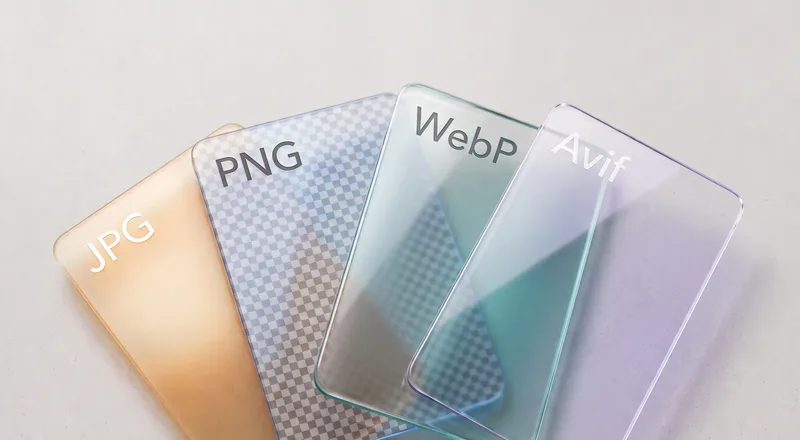
Any image your browser can open. JPG, PNG, WebP, AVIF, GIF (first frame), HEIC on Safari. Results download as PNG to preserve quality.
Can I share directly to Instagram or other apps?
On mobile, the Share button opens your native share sheet so you can send directly to Instagram, WhatsApp, or any app. On desktop, download first and upload from there.