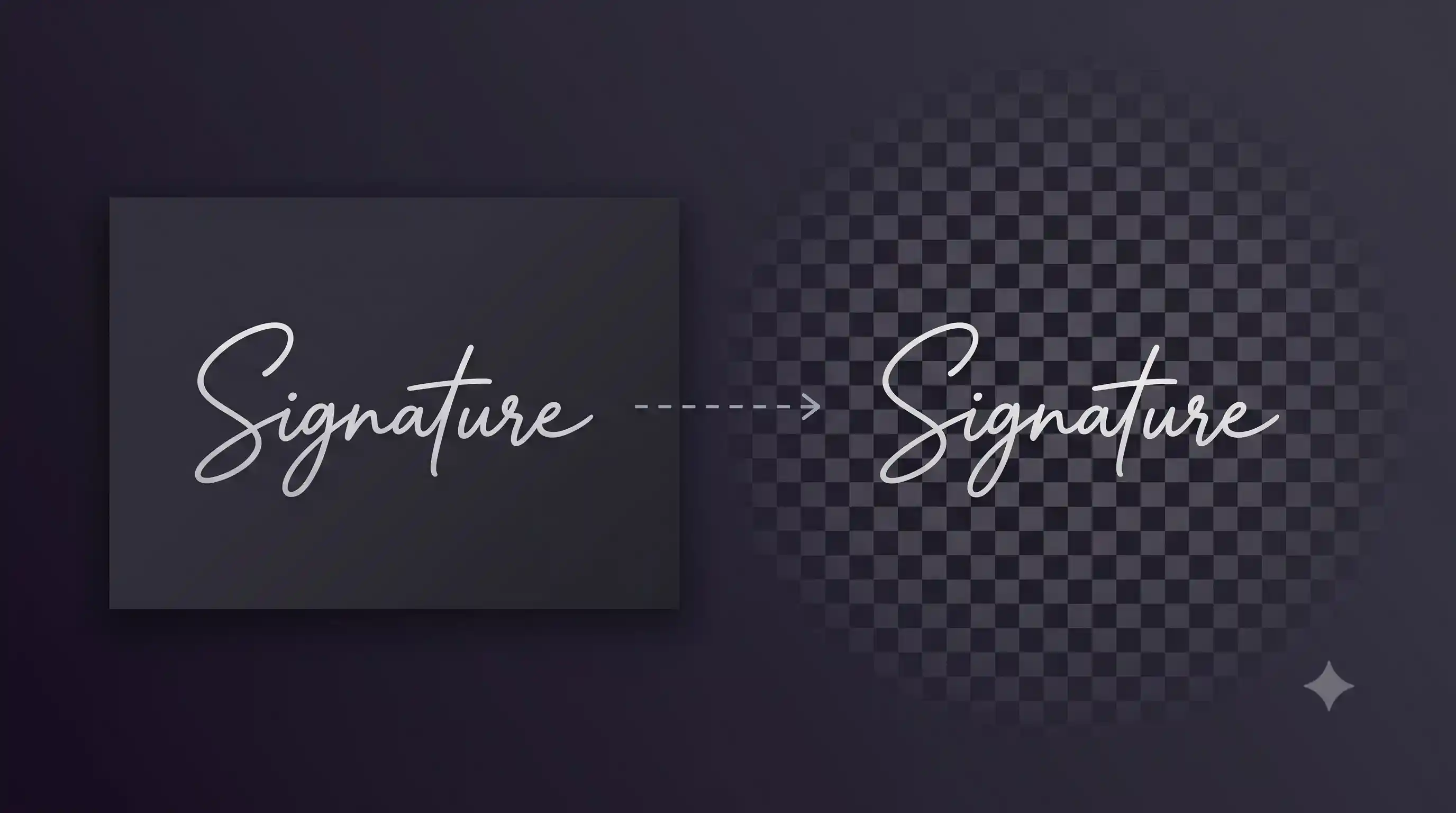
Remove background from animated GIFs.
or drag and drop · images, animated GIFs, animated WebP
How to remove background from an animated GIF
- Drop your GIF. Drag it onto the page or click to browse. Animated WebP files also work.
- Pick a model. Fast processes frames quickly. Best gives sharper edges but takes longer per frame.
- Download the result. You get an animated WebP with transparent backgrounds on every frame. All timing and loop settings are preserved.
Why animated WebP instead of transparent GIF?
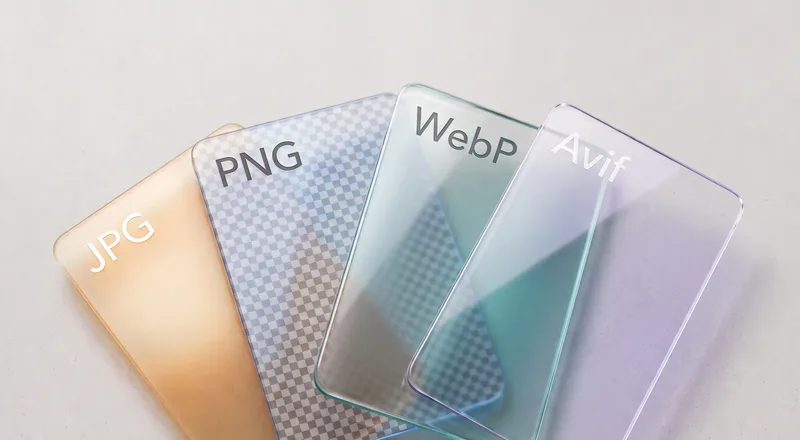
GIF only supports 1-bit transparency: each pixel is either fully visible or fully invisible. That creates jagged edges around subjects, especially on hair, fur, and curved shapes.
Animated WebP supports full alpha transparency with smooth semi-transparent pixels. The edges look clean at any size, and the file is typically 30-50% smaller than an equivalent GIF. Every modern browser supports animated WebP.
Tips for best results
Animations with a consistent background (solid color, static scene) process cleanly. If the background moves or changes between frames, some frames may have slightly different cutout edges.
For best quality on people or characters, use the Portrait model. For product animations or screen recordings, Fast is usually sufficient.
Need to remove backgrounds from photos?
The full background remover handles photos, products, people, and more.