Remove background from passport photos.
or drag and drop · images, animated GIFs, animated WebP
How to remove background from a passport photo
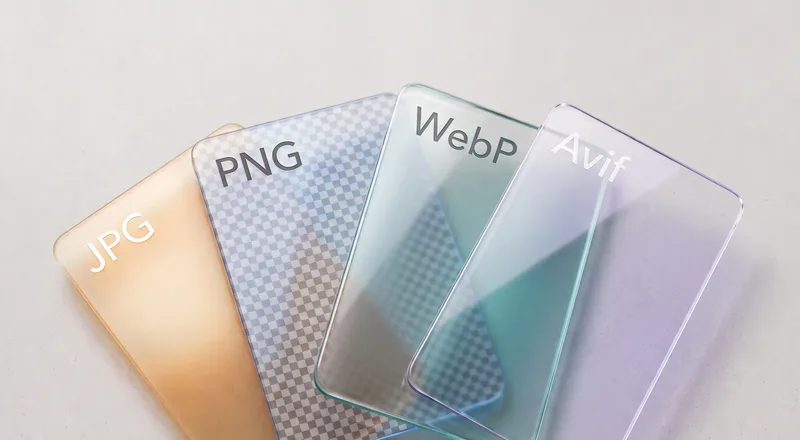
- Drop your photo. A head-and-shoulders shot against any background. JPG, PNG, or WebP all work.
- Select Portrait model. It handles facial features, hair edges, and clothing boundaries best.
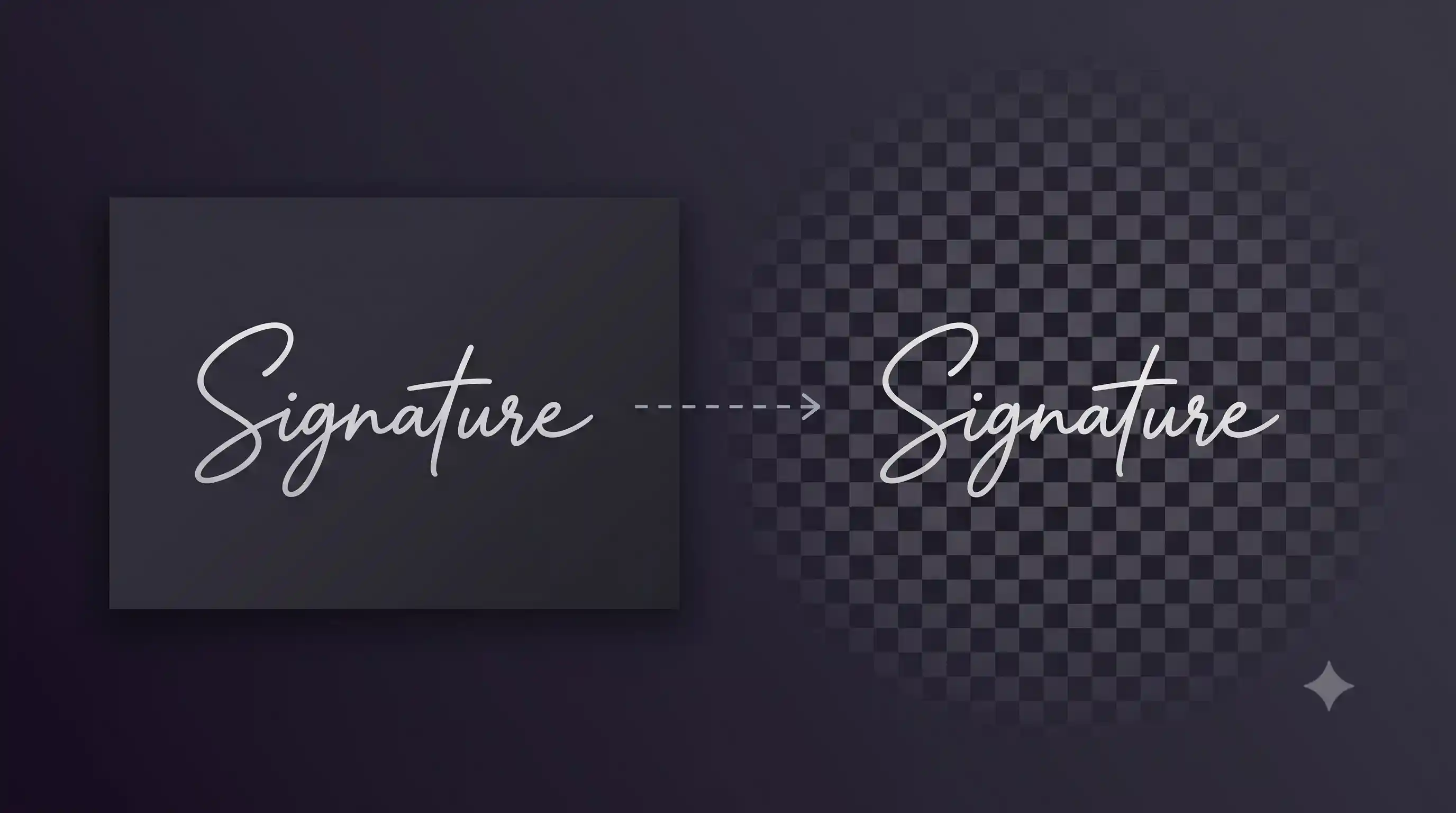
- Download the transparent PNG. Place it on a white or light background, then crop to the dimensions your application requires.
Why remove the background yourself?
Passport photo studios charge per print. If you already have a good photo but the background is wrong, you can fix it yourself in seconds. Remove the background here, drop it onto white in any editor, crop to the required dimensions, and print at home or upload directly.
This is also useful for online applications that accept digital photos. Upload portals for visa applications, government IDs, exam forms, and employee badges often require a specific background color. Start with a clean transparent cutout and place it on whatever color they need.
Tips for a clean cutout
Take the original photo against a plain, contrasting background if possible. A solid wall in a different color from your hair and clothing gives the AI the clearest signal.
Make sure your hair is not blending into the background. Tie back loose strands if they match the wall color. Good lighting from the front reduces shadows that can confuse edge detection.
Need to remove backgrounds from other photos?
The full background remover handles products, pets, group photos, and more.